Illustrator Mosaic Grid Plugin
Free Adobe Illustrator plugin for creating clean, customisable mosaic image grids in seconds.
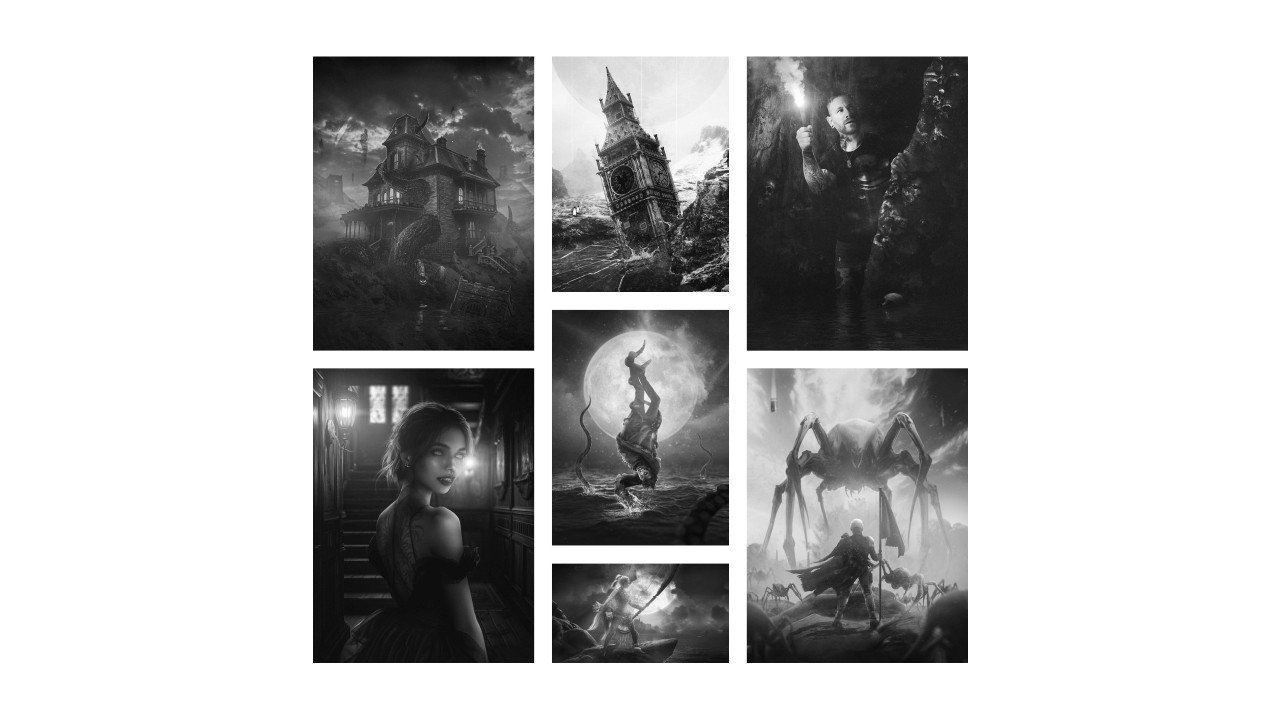
Illustrator Mosaic Grid Plugin (Free Download)
Create clean, professional mosaic image grids in Adobe Illustrator with a single click.
The Mosaic Grid Plugin automatically arranges selected images into a customisable mosaic layout, helping you build image collages, mood boards, portfolio presentations, social media graphics, and marketing materials much faster than manually positioning each image.
Whether you’re a graphic designer, marketer, content creator, or Illustrator user looking to streamline your workflow, this free extension makes creating image grids simple and efficient.
Features
Automatically arrange multiple images into a mosaic grid
Adjustable horizontal and vertical spacing
Clean, evenly distributed layouts
Fast and easy to use
Free download
Works directly inside Adobe Illustrator
How to install
Installation instructions are included with the download.
How it works
Watch the video below to see the plugin in action.
Updates
v1.0.0 - 13/06/26
Plugin launched.
v1.1.0 - 14/06/26
Installation issues fixed.
Installation instructions file added.
v1.2.0 - 15/06/26
Fixed an issue where panel icon colour did not match user interface.
Instructions on how to uninstall the plugin added.